
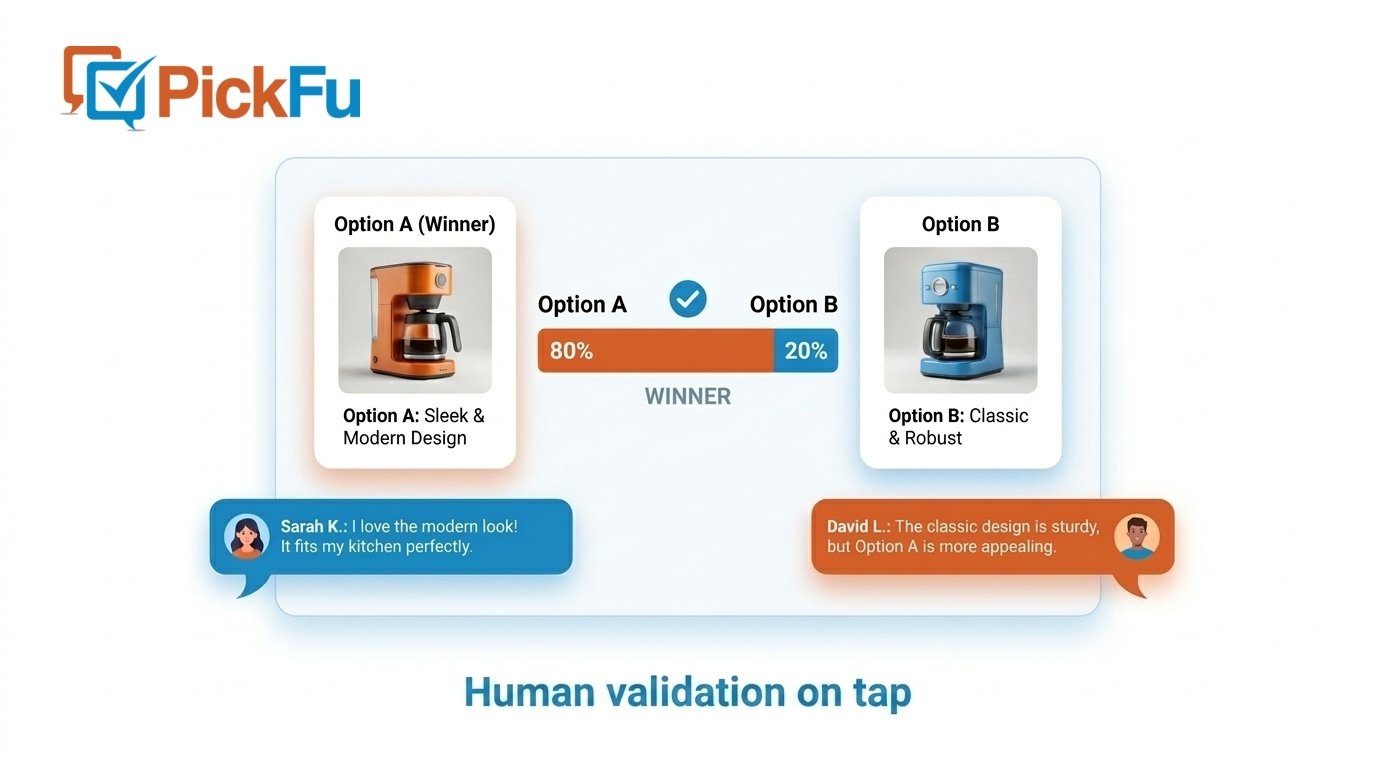
Welcome to PickFu
PickFu gives you instant consumer feedback to make better product decisions. Integrate PickFu directly into your AI and agentic workflows using our MCP server and CLI.MCP server
Use PickFu with Claude, ChatGPT, Cursor, Notion, and other AI assistants.
CLI
Create and manage surveys from the command line.
How surveys work
Learn about survey types, targeting, and results.
Best practices
Write better questions and get more useful feedback.
How it works
Generate options with AI, validate them with real people, and loop until you’re confident.

Built for AI and agentic workflows
PickFu is designed to work where you already work — inside AI assistants and developer tools:- MCP server — Connect Claude, ChatGPT, Cursor, Notion, or any MCP-compatible client to create surveys, check results, generate images, and gather consumer insights through natural conversation
- CLI — Automate survey creation and retrieval from scripts, CI/CD pipelines, and developer tools
- Real-time results — Get responses in minutes with written explanations from real consumers
- Audience targeting — Reach the right respondents by demographics, interests, and geography
Getting started
1
Connect the MCP server
Add the PickFu MCP server to your AI client — setup takes about a minute. Works with Claude, ChatGPT, Cursor, Notion, and more.
2
Authorize your account
When you first use a PickFu tool, you’re prompted to sign in via OAuth — or use an API key for automation.
3
Create your first survey
Ask your AI assistant to create a PickFu survey. For example: “Create a PickFu survey comparing these two product images.”
Need help?
Contact support
Reach out to our team for assistance.
Visit PickFu
Learn more about PickFu and our services.