





Run end-to-end consumer research without leaving your favorite AI tools.


PickFu's AI integrations and skills will make you feel like a research pro – even if you're not.
Connect PickFu to your favorite AI tools with our MCP server. Build and launch surveys, generate image variations, analyze results, and more — without leaving your workflow.

.png)
Once you're connected, the possibilities open up fast. Start with these recommended prompts and best practices to get the most from your AI-powered research process.
See the MCP in action. Get practical workflows to optimize your main image, plan research from scratch, and turn survey data into actionable insights — all inside your AI assistant.
What used to take days – or even weeks – can now be done in minutes. With PickFu’s MCP, I can go from idea to real audience feedback without ever leaving my workflow.


Bring PickFu into your existing workflow. Our CLI lets you create surveys, retrieve results, and manage research directly from your terminal — no browser required. It supports structured output for scripting and fits naturally into CI/CD pipelines and automation. Learn how to install the CLI.
With our OpenClaw integration, autonomous agents can run your research loop end to end: generate creative assets, test them with real consumers, and iterate based on the results. (And check out the ready-made PickFu Market Research skill in ClawHub!) Learn how to install the OpenClaw integration and skill.
Build custom integrations with PickFu's API. Programmatically create surveys, retrieve results, manage targeting, and more. Authenticate with an API key or OAuth, and you're ready to go. View our API reference docs.
Our AI tools help you understand results, identify next steps, and make confident decisions.
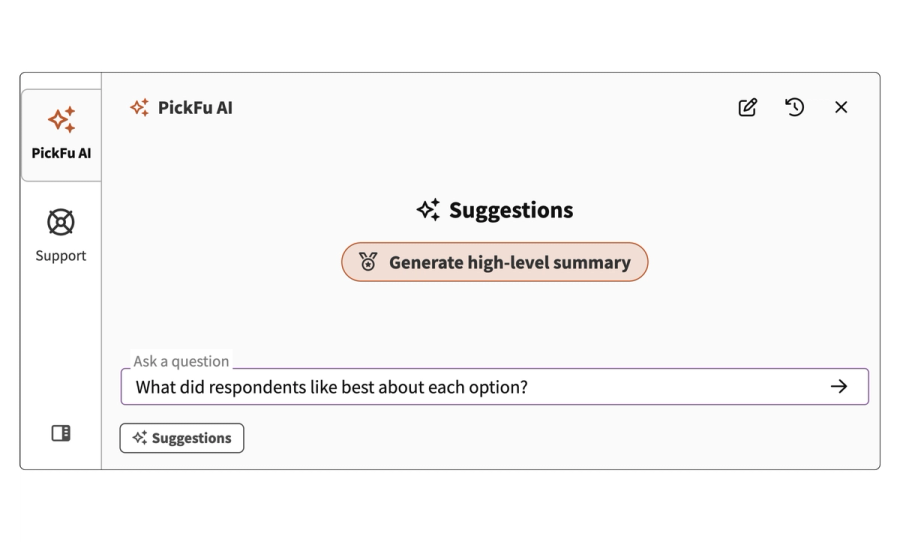
Your always-on research assistant. Ask questions about your results, check recent team activity, and learn best practices. Available in the PickFu app sidebar.


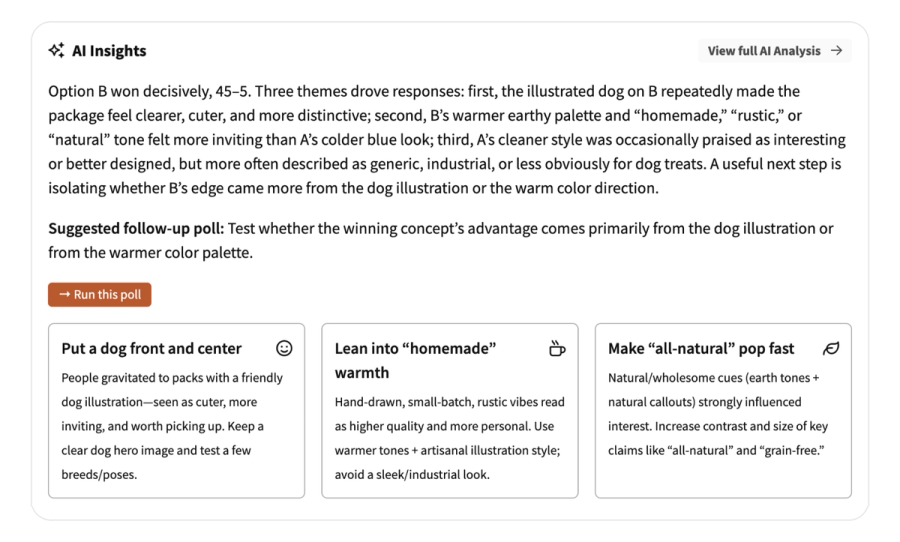
The AI Insights report appears on your results page with a concise overview, key callouts, and actionable recommendations – plus a suggested follow-up poll to run.
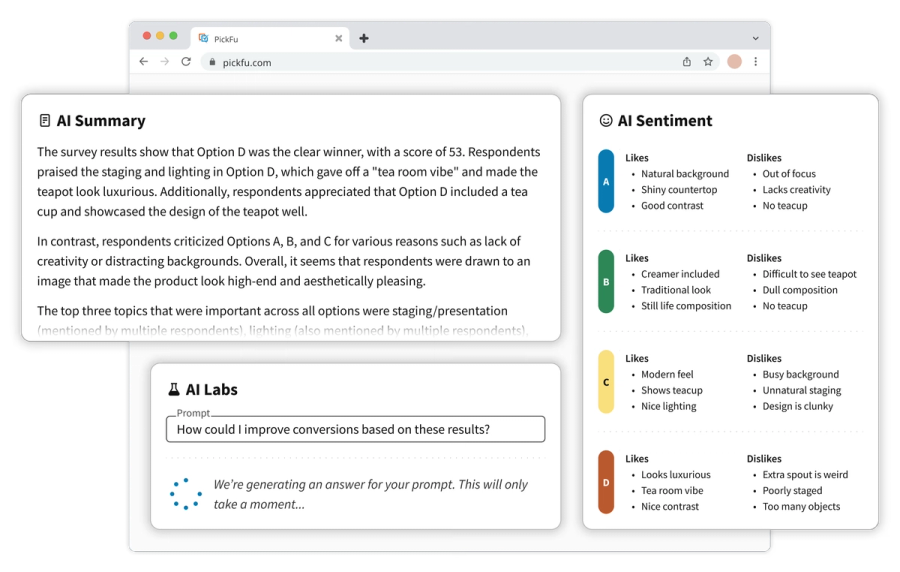
The AI Highlights report organizes audience feedback into clear patterns: what respondents liked and disliked, emerging trends, and hypotheses for future tests.

MCP stands for Model Context Protocol — an open standard that lets AI assistants interact with external tools and services. The PickFu MCP server is a bridge between your AI assistant and the PickFu platform. Once connected, you can create polls, target specific audiences, launch surveys, and analyze results — all through natural conversation, without leaving your AI workflow.
Any tool that supports MCP, including Claude (web, desktop, and mobile), Claude Code, Cursor, ChatGPT (Plus, Pro, and Enterprise), Notion (Business and Enterprise), OpenClaw, and more. Any MCP-compatible client that supports Streamable HTTP transport can connect.
It depends on your AI tool, but the basics are the same: add PickFu's server URL (https://mcp.pickfu.com/mcp) and sign in with your PickFu account when prompted. Visit pickfu.com/docs for step-by-step instructions for every supported tool.
Basically everything you can do in the PickFu app, and then some. Create and launch any poll type, browse audience targeting across 15 countries, retrieve results with written explanations and demographic breakdowns, and discover step-by-step research playbooks. You can also generate AI images directly in the conversation for rapid testing and iteration — something you can't do in PickFu alone.
No. The MCP is free and available to all PickFu accounts. You'll just need to pay for the polls you launch, just like you would from the PickFu app.
Yes. The PickFu MCP works with any poll in your account — past or present. You can retrieve results, resurface insights from old surveys, and ask your AI to analyze patterns across multiple polls.
It's free to create an account, access our built-in AI features, and connect with AI assistants. Only pay for the surveys you launch – no subscription required.