







PickFu

Ask your target market anything

Build a survey with up to 16 questions, mix and match every format, and hear from your exact audience in hours — not weeks.

The world's top companies just PickFu it.

HBO MaxKingWayfairChamberlainPatternLorealMary Ruth's

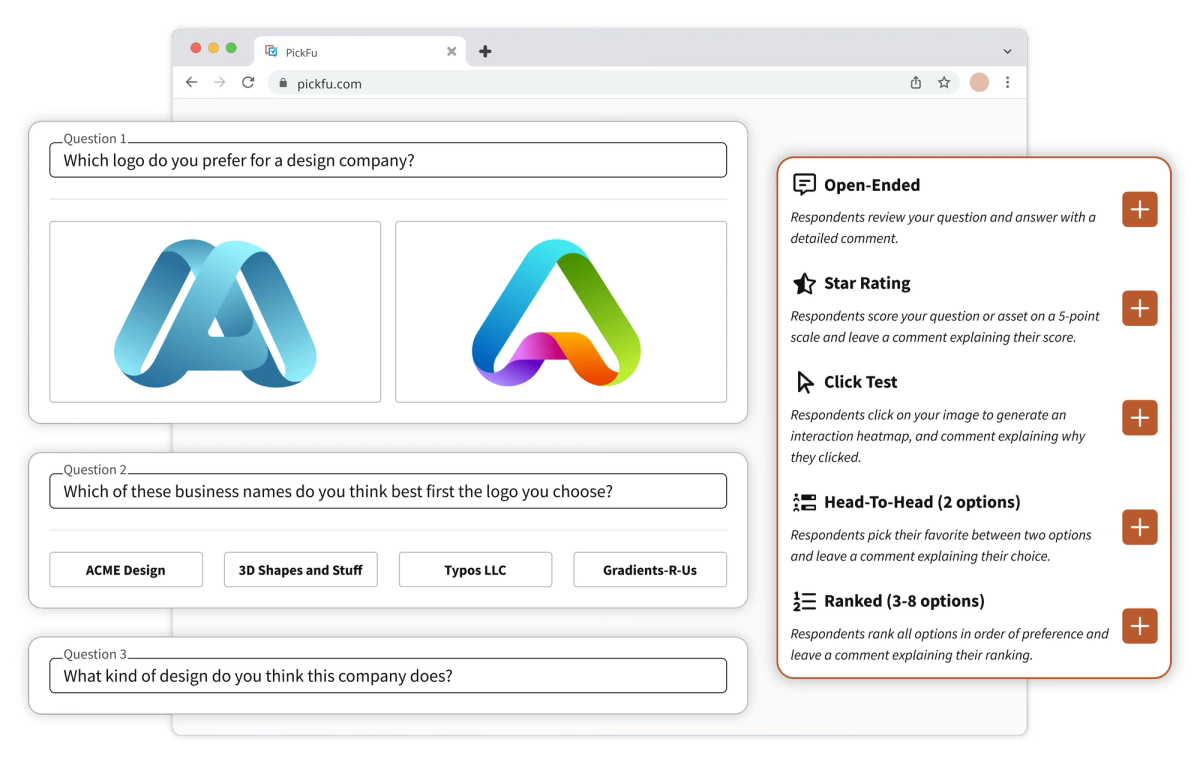
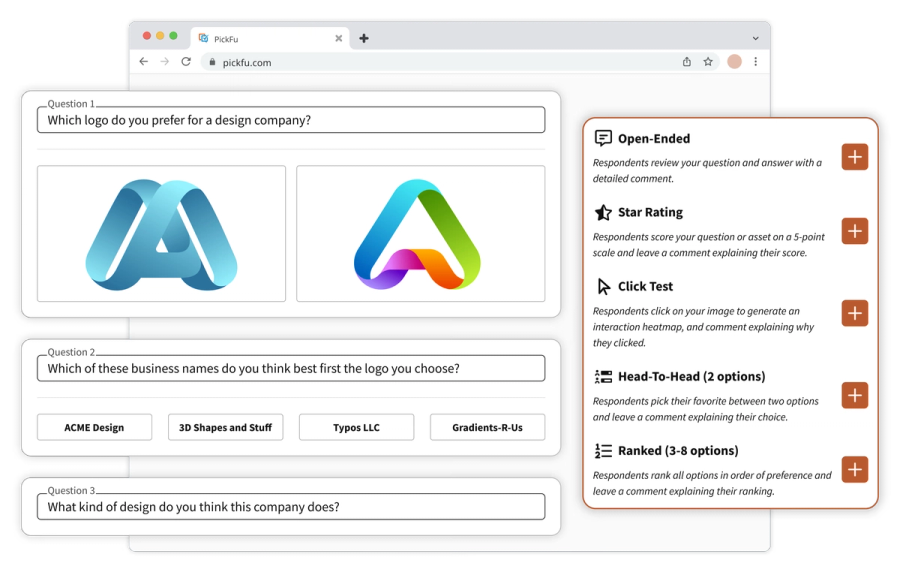
Build any survey in minutes

The do-it-yourself Survey Builder keeps setup simple, whether you need one question or sixteen. • Mix and match every question and option type • Test images, copy, and concepts side by side • Start from a template or let the PickFu Agent draft it for you

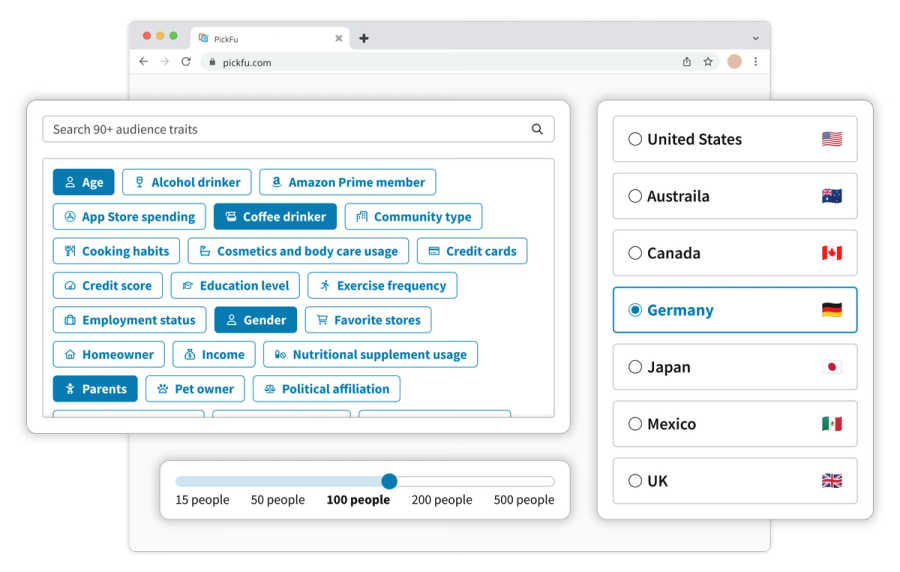
Put it in front of the right people

Every response comes from a real, vetted person matched to your target market. • Target with 100+ demographic and behavioral traits • Reach consumers in 15+ countries • Questions and responses translate automatically

Turn responses into decisions

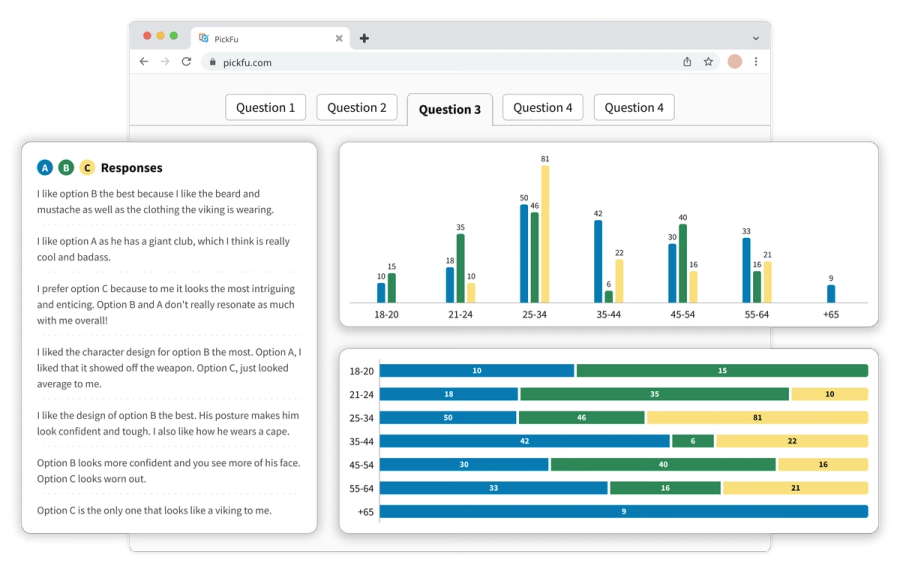
Results arrive within hours, with quantitative data and written feedback side by side. • Demographic breakdowns for every question • AI-generated summary and insights • Share results with your team and act with confidence

What customers say

We chose PickFu because of the quality of the users and the speed at which we get results! Other online survey services take up to a week to complete, and we just don't have that time....Since it takes less than 15 minutes to get the survey results, we were able to alter our designs immediately and re-test them.
Isabella PattonIsabella PattonOvia Health

Every question type and survey option

These are the building blocks of a PickFu survey — question formats for every kind of feedback, plus options that shape who answers and how. Mix any of them into a single survey.

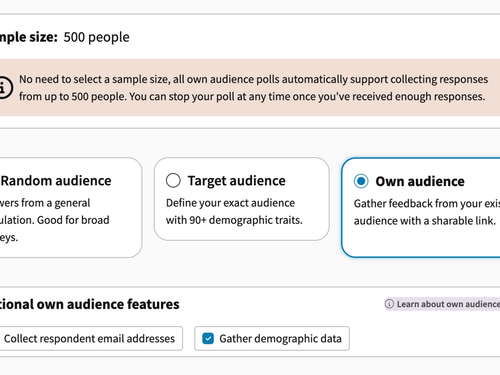
Own Audience

Survey option

Share a survey link with your existing customers, subscribers, or followers and collect responses for free.

Screen Recording

Question type

Respondents record their screen and voice as they interact with your content, delivering video feedback with automatic transcripts.

Amazon Mockups

Survey option

Test product listings in realistic Amazon environments with editable mockups and SERP-style layout options

Image Sets

Survey option

Test complete product image stacks with up to 6 images per set to optimize your entire visual story

Round Robin

Question type

Get comprehensive feedback through 1:1 matchups where every option competes directly against every other option

5-Second Tests

Question type

Capture authentic first impressions by showing your design for exactly 5 seconds, then collecting immediate reactions

Emoji Reaction

Question type

Capture immediate emotional responses with 5 emoji reactions from 😢 to 😄 plus written explanations

Star Rating

Question type

Get quantifiable 1-5 star ratings with detailed explanations to measure appeal and identify improvement areas

Head-to-Head

Question type

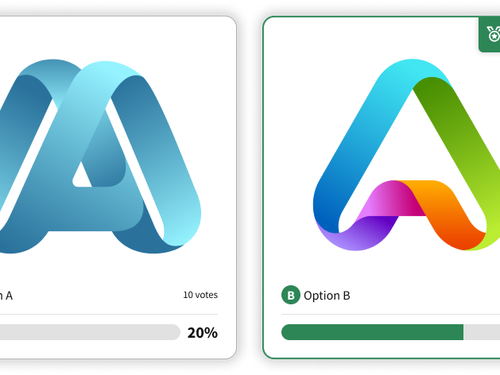
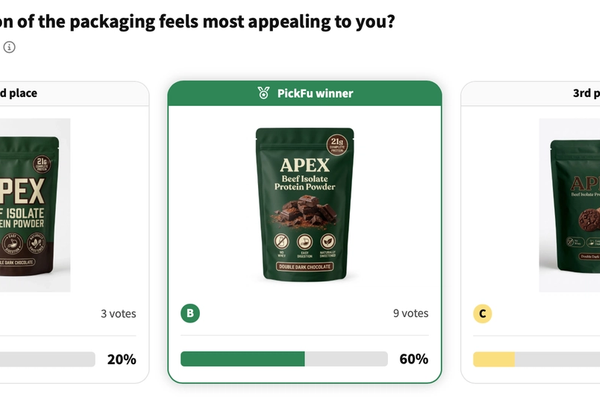
A classic A/B test – compare two options with votes and detailed explanations

Multi Select

Question type

Let respondents choose multiple options from 3-8 choices to explore combinations and understand relative appeal

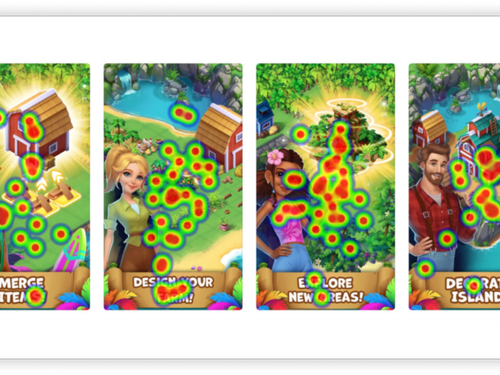
Click Tests

Question type

Respondents click on an image, generating a heatmap

Single Select

Question type

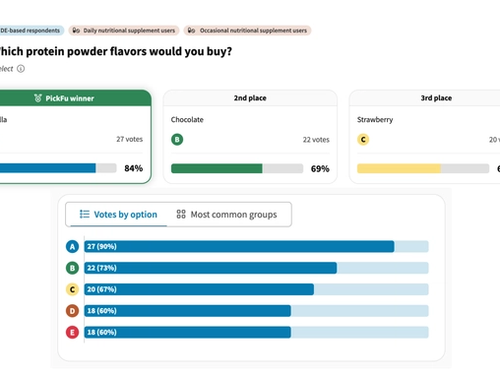
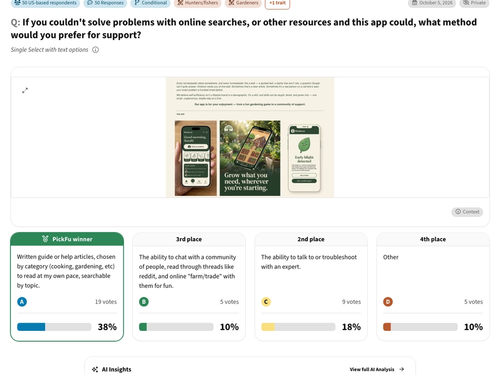
Choose one winner from 3-8 options with clear quantitative results and qualitative insights

Open-Ended

Question type

Get detailed written feedback and insights on a single concept, design, or idea

Branch Logic

Survey option

Show follow-up questions only to respondents whose earlier answers qualify them.

Likert Scale

Question type

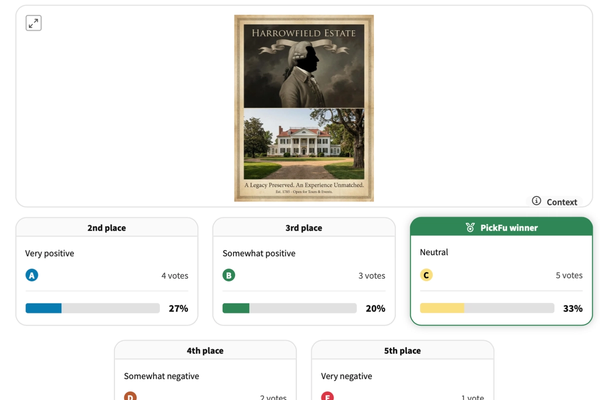
Respondents rate 2–8 statements on one scale and explain their ratings.

Ranked

Question type

Respondents rank 3-8 options in order of preference

Van Westendorp

Question type

Four standardized price questions reveal your optimal price point and acceptable price range.

Meet the PickFu Agent

Real audience feedback, right where you already work

Generate with AI. Validate with humans. The PickFu Agent designs and runs your surveys, analyzes the results, and recommends what to test next – from your team's existing tools and workflows.

In your browser

PickFu Agent

How

Chat with the Agent from your dashboard or the sidebar of the PickFu web app.

When

You're already inside PickFu. Get best-practice tips, have the Agent build surveys for you, and ask what your results really mean.
Log into PickFu
In Slack

PickFu Slack Agent

How

Tag @PickFu in any channel or thread to launch surveys and retrieve results without leaving Slack.

When

Your team lives in Slack. Settle internal debates by testing with your audience – then share the results where everyone can act on them.

Install the Slack app
For AI assistants

PickFu MCP

How

Connect PickFu to Claude, Cursor, ChatGPT, Notion, and other MCP-compatible tools.

When

You're working in AI tools. Generate options, test them with your target audience, then push results back into the tools your team already uses.

Set up the MCP

Survey examples from real customers

See how businesses across industries use surveys — full questions, results, and respondent comments included.

Frequently asked questions

What do surveys cost?

Multi-question surveys are priced the same way as standard PickFu surveys, with pricing depending on the number of questions asked, which question types you choose, and your audience selection. Learn more about PickFu pricing

What question types are available?

Multi-question surveys support the same question types as standard surveys (except for Round Robin, which is coming soon):

  • Open-ended: respondents answer with a written comment.
  • Star Rating: respondents answer with a 1-5 star rating and explain with a comment.
  • Click Test: respondents click on an image to answer the question and explain their answer with a comment.
  • Head-To-Head: respondents pick their favorite between two options and explain why.
  • Ranked: respondents order options from most to least favorite and explain why.
What will my survey results include?

Survey results include written responses, demographic charts, and vote counters. All the features found on PickFu surveys, broken out by question so you can unearth more insights.

What file types can I upload to a survey?

You can upload images, GIFs, URLs, audio files, and videos to your survey. Read our image testing guide for a full list of image file types and extensions. Our video testing guide has a list of video and audio file formats.

Will my survey data be used to train AI?

Absolutely not. Your survey data is only used to generate AI Highlights on your survey and is not used for data modeling or other forms of training.

Ready to hear from your market?

Signing up is free — launch your first survey in minutes.

Sign up for free